Tutorial 4: Ordinal Lock
Overview
In this tutorial, we will go over how to use sCrypt to build a full-stack dApp on Bitcoin to sell 1Sat Ordinals, including the smart contract and an interactive front-end.
Contract
The contract OrdinalLock allows an ordinal to be offered up for sale on a decentralized marketplace. These listings can be purchased by anyone who is able to pay the requested price. Listings can also be cancelled by the person who listed them.
To record the seller and price, we need to add two properties to the contract.
export class OrdinalLock extends OrdinalNFT {
    @prop()
    seller: PubKey

    @prop()
    amount: bigint

    ...
}
Constructor
Initialize all the @prop properties in the constructor.
constructor(seller: PubKey, amount: bigint) {
    super()
    this.init(...arguments)
    this.seller = seller
    this.amount = amount
}
Methods
The public method purchase only needs to confine the transaction's outputs to contain:
- transfer ordinal to the buyer
- payment to the seller
@method()
public purchase(receiver: Addr) {
    const outputs =
        Utils.buildAddressOutput(receiver, 1n) + // ordinal to the buyer
        Utils.buildAddressOutput(hash160(this.seller), this.amount) + // fund to the seller
        this.buildChangeOutput()
    assert(this.ctx.hashOutputs == hash256(outputs), 'hashOutputs check failed')
}
The final complete code is as follows:
import { Addr, prop, method, Utils, hash256, assert, ContractTransaction, bsv, PubKey, hash160, Sig, SigHash } from 'scrypt-ts'
import { OrdiMethodCallOptions, OrdinalNFT } from '../scrypt-ord'

export class OrdinalLock extends OrdinalNFT {
    @prop()
    seller: PubKey

    @prop()
    amount: bigint

    constructor(seller: PubKey, amount: bigint) {
        super()
        this.init(...arguments)
        this.seller = seller
        this.amount = amount
    }

    @method()
    public purchase(receiver: Addr) {
        const outputs =
            Utils.buildAddressOutput(receiver, 1n) + // ordinal to the buyer
            Utils.buildAddressOutput(hash160(this.seller), this.amount) + // fund to the seller
            this.buildChangeOutput()
        assert(
            this.ctx.hashOutputs == hash256(outputs),
            'hashOutputs check failed'
        )
    }

    @method(SigHash.ANYONECANPAY_SINGLE)
    public cancel(sig: Sig) {
        assert(this.checkSig(sig, this.seller), 'seller signature check failed')
        const outputs = Utils.buildAddressOutput(hash160(this.seller), 1n) // ordinal back to the seller
        assert(
            this.ctx.hashOutputs == hash256(outputs),
            'hashOutputs check failed'
        )
    }

    static async buildTxForPurchase(
        current: OrdinalLock,
        options: OrdiMethodCallOptions<OrdinalLock>,
        receiver: Addr
    ): Promise<ContractTransaction> {
        const defaultAddress = await current.signer.getDefaultAddress()
        const tx = new bsv.Transaction()
            .addInput(current.buildContractInput())
            .addOutput(
                new bsv.Transaction.Output({
                    script: bsv.Script.fromHex(
                        Utils.buildAddressScript(receiver)
                    ),
                    satoshis: 1,
                })
            )
            .addOutput(
                new bsv.Transaction.Output({
                    script: bsv.Script.fromHex(
                        Utils.buildAddressScript(hash160(current.seller))
                    ),
                    satoshis: Number(current.amount),
                })
            )
            .change(options.changeAddress || defaultAddress)
        return {
            tx,
            atInputIndex: 0,
            nexts: [],
        }
    }

    static async buildTxForCancel(
        current: OrdinalLock,
        options: OrdiMethodCallOptions<OrdinalLock>
    ): Promise<ContractTransaction> {
        const defaultAddress = await current.signer.getDefaultAddress()
        const tx = new bsv.Transaction()
            .addInput(current.buildContractInput())
            .addOutput(
                new bsv.Transaction.Output({
                    script: bsv.Script.fromHex(
                        Utils.buildAddressScript(hash160(current.seller))
                    ),
                    satoshis: 1,
                })
            )
            .change(options.changeAddress || defaultAddress)
        return {
            tx,
            atInputIndex: 0,
            nexts: [],
        }
    }
}
Note the customized calling method buildTxForPurchase and buildTxForCancel ensure the ordinal is in the first input and goes to the first output, which is also a 1sat output.
Frontend
We will add a front-end to the OrdinalLock smart contract according to this guide.
Setup Project
The front-end will be created using Create React App.
npx create-react-app ordinal-lock-demo --template typescript
Install the sCrypt SDK
The sCrypt SDK enables you to easily compile, test, deploy, and call contracts.
Use the scrypt-cli command line to install the SDK.
cd ordinal-lock-demo
npm i scrypt-ord
npx scrypt-cli init
This command will create a contract under src/contracts. Replace the file with the contract written above.
Compile Contract
Compile the contract with the following command:
npx scrypt-cli compile
This command will generate a contract artifact file under artifacts.
Compile using the watch option
Monitoring for Real-Time Error Detection
npx scrypt-cli compile --watch
this command will display sCrypt level errors during the compilation process.
Load Contract Artifact
Before writing the front-end code, we need to load the contract artifact in src/index.tsx.
import { OrdinalLock } from './contracts/ordinalLock'
import artifact from '../artifacts/ordinalLock.json'
OrdinalLock.loadArtifact(artifact)
Connect Signer to OrdiProvider
const provider = new OrdiProvider();
const signer = new PandaSigner(provider);
Integrate Wallet
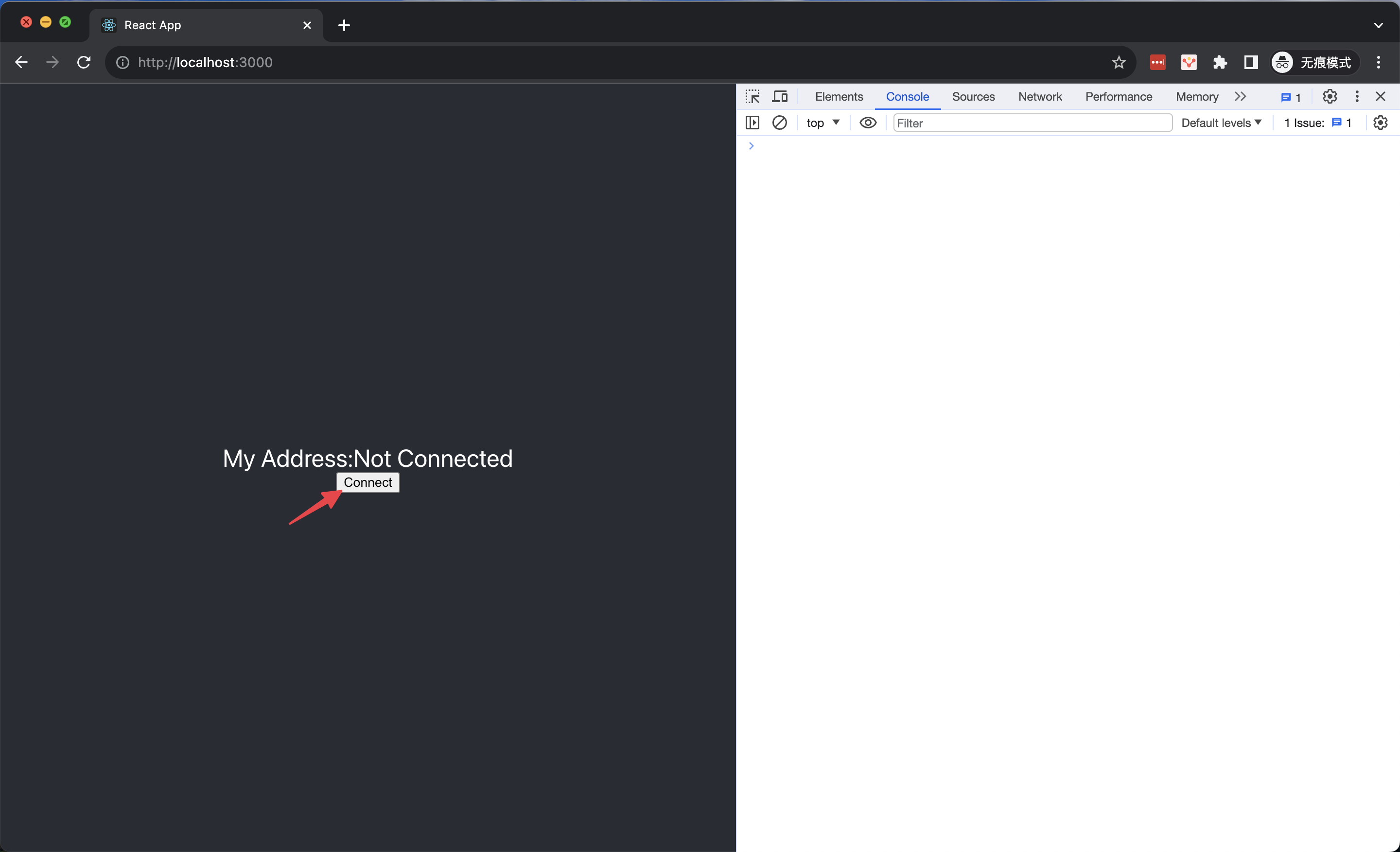
Use requestAuth method of signer to request access to the wallet.
// request authentication
const { isAuthenticated, error } = await signer.requestAuth();
if (!isAuthenticated) {
    // something went wrong, throw an Error with `error` message
    throw new Error(error);
}

// authenticated
// ...
Load Ordinals
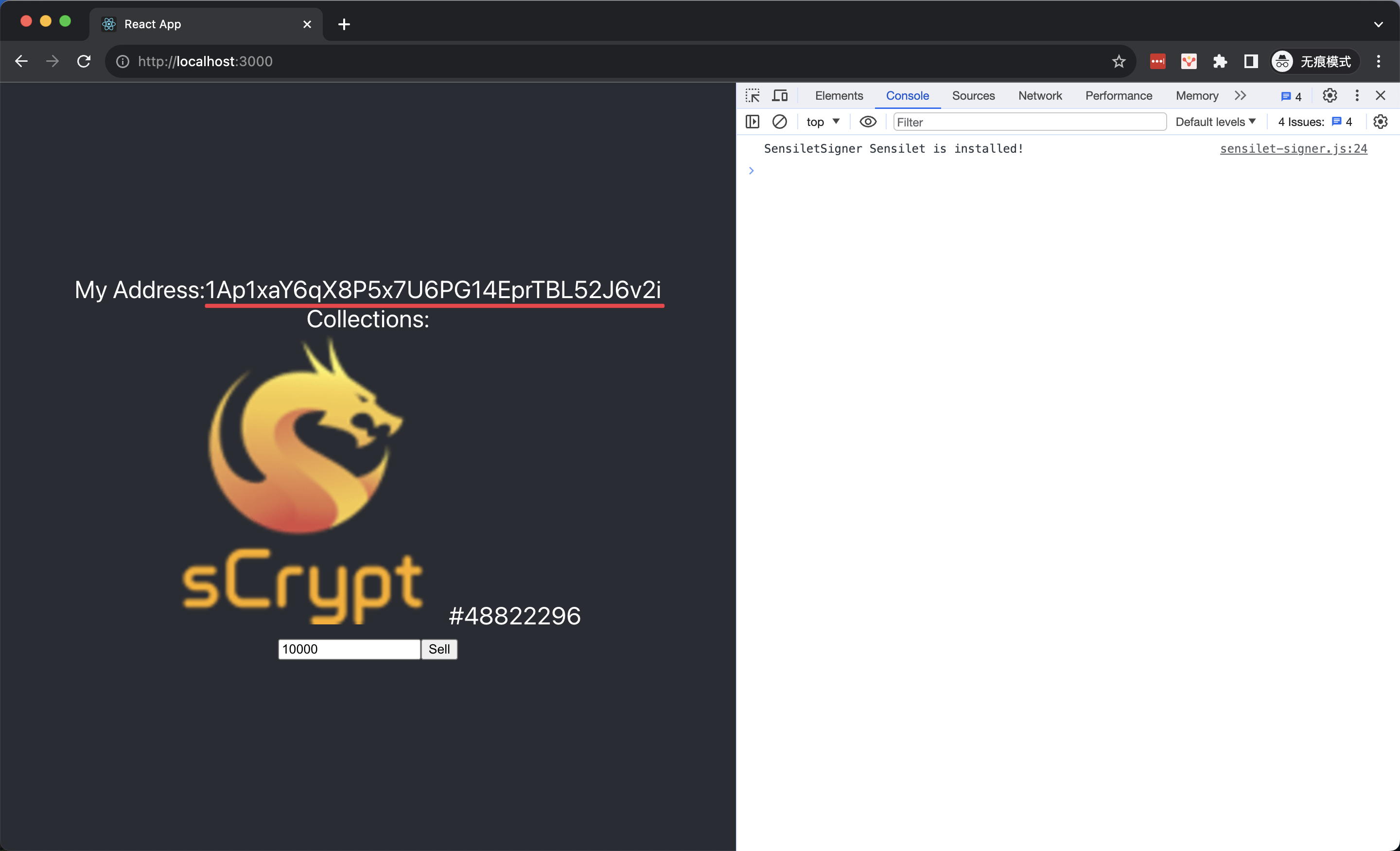
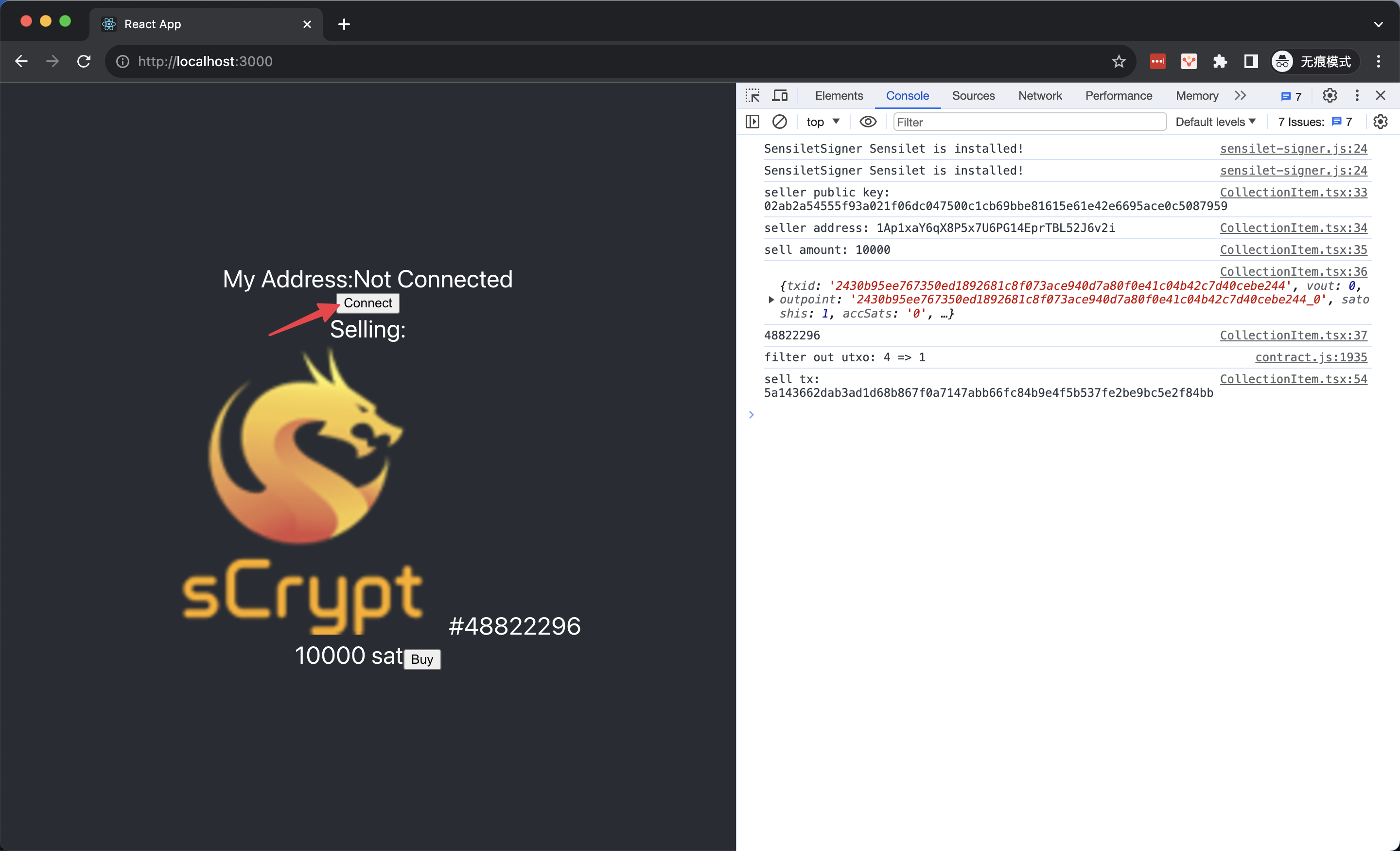
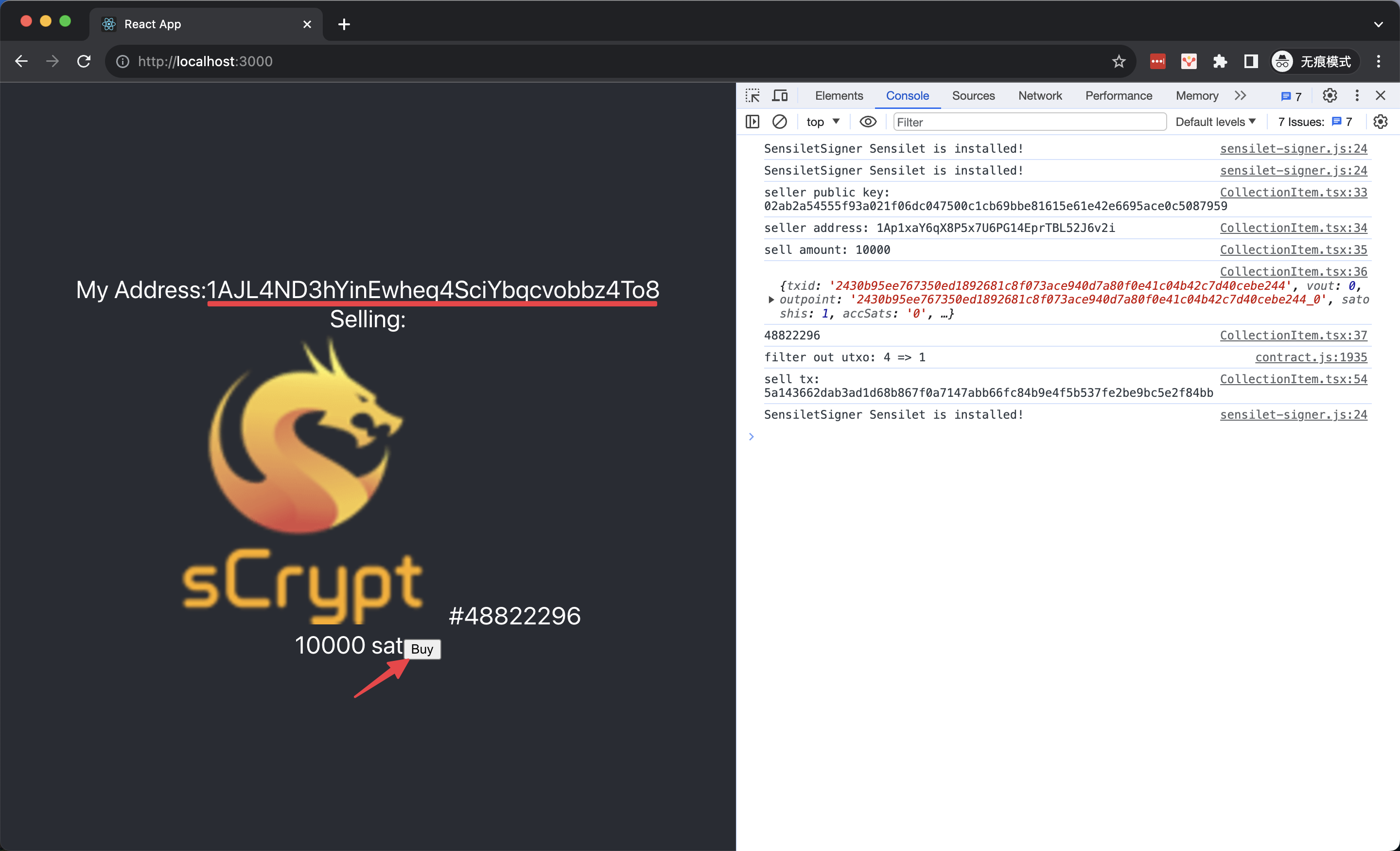
After a user connect wallet, we can get the his address. Call the 1Sat Ordinals API to retrieve ordinals on this address.
useEffect(() => {
  loadCollections()
}, [connectedAddress])

function loadCollections() {
  if (connectedAddress) {
    const url = `https://v3.ordinals.gorillapool.io/api/txos/address/${connectedAddress.toString()}/unspent?bsv20=false`
    fetch(url).then(r => r.json()).then(r => r.filter(e => e.origin.data.insc.file.type !== 'application/bsv-20')).then(r => setCollections(r))   }
}
List an Ordinal
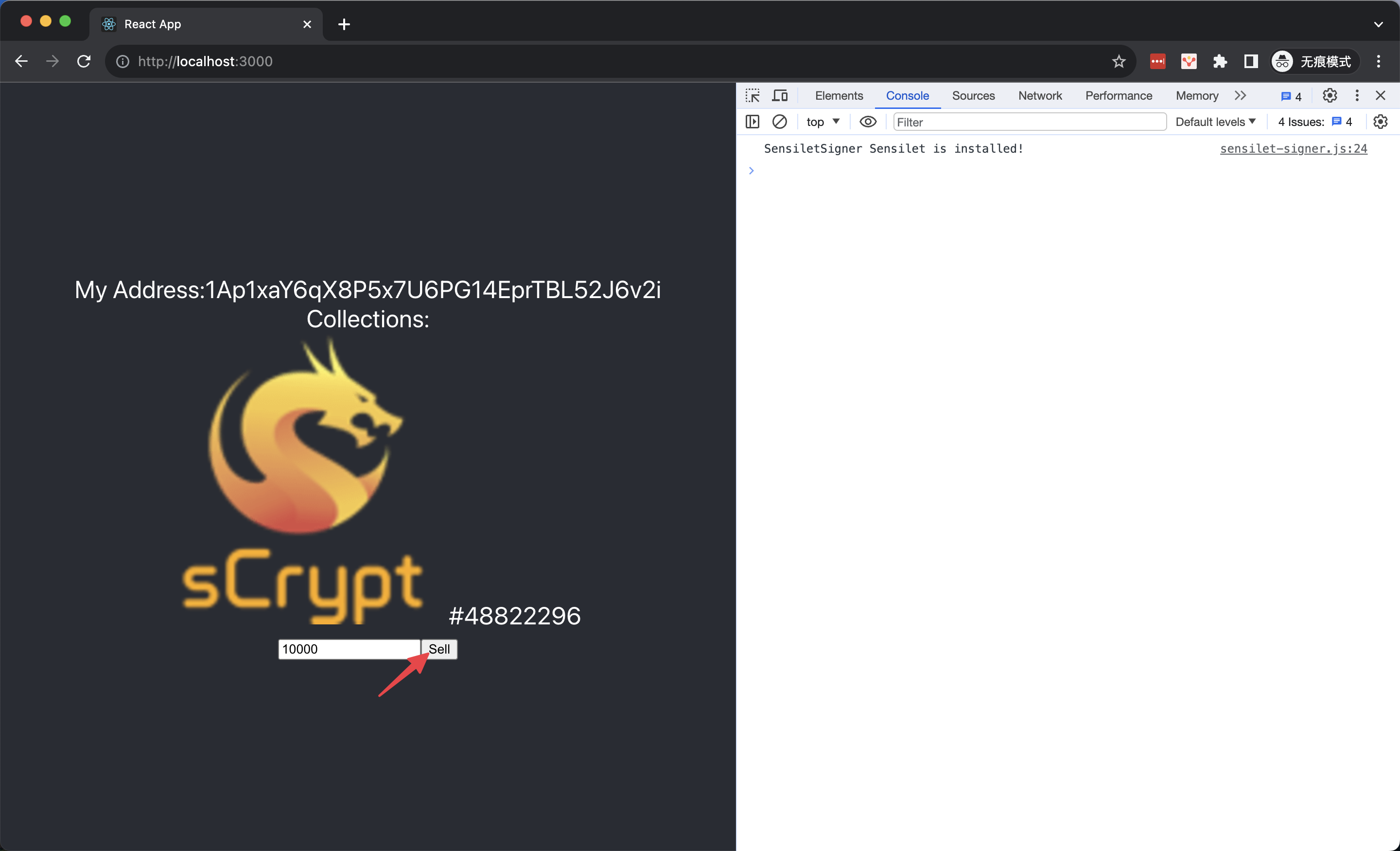
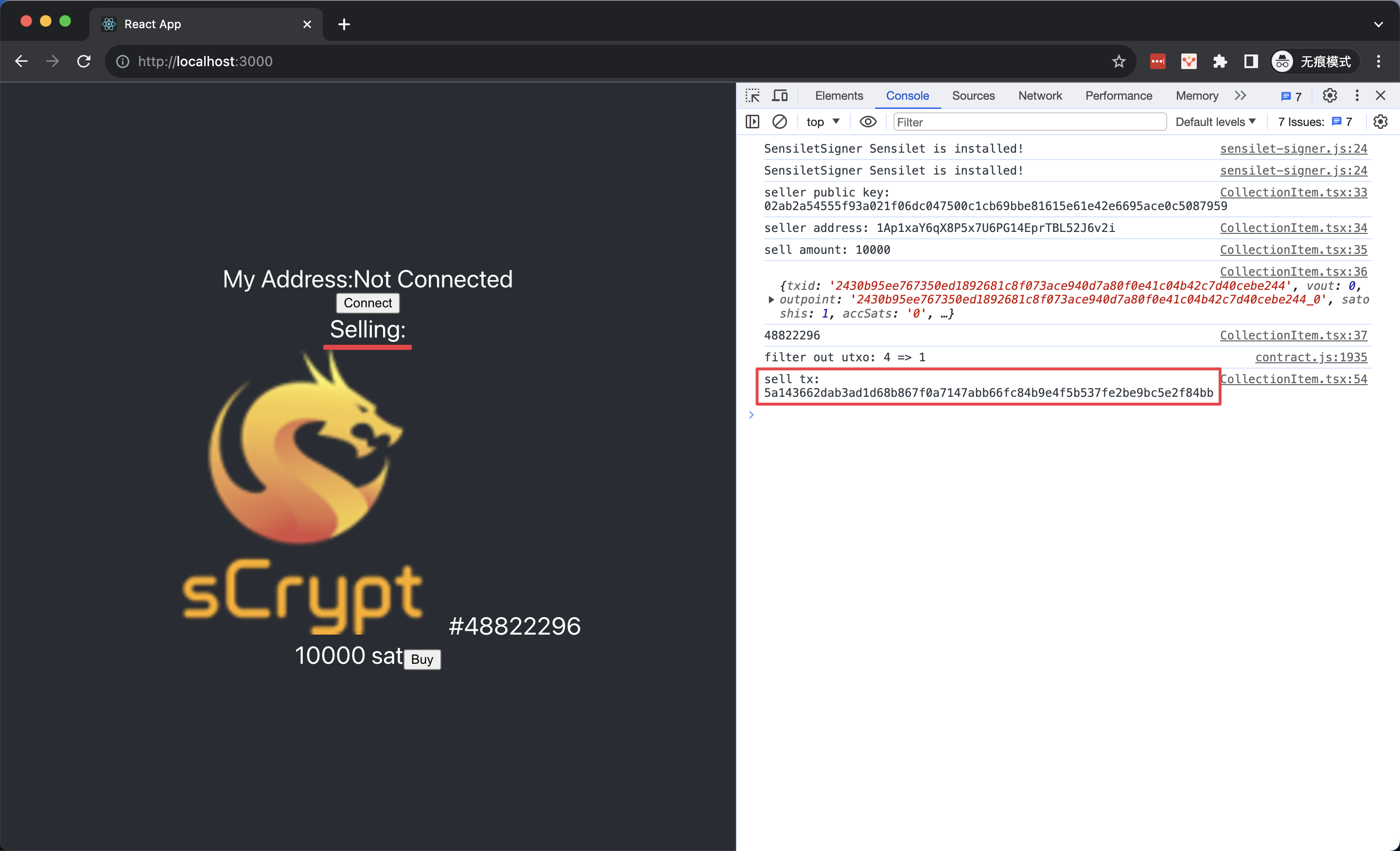
For each ordinal in the collection list, we can click the Sell button to list it after filling in the selling price, in satoshis. Sell an ordinal means we need to create a contract instance, and then transfer the ordinal into it. Afterwards, the ordinal is under the control of the contract, meaning it can be bought by anyone paying the price to the seller.
async function sell() {
    const signer = new PandaSigner(new OrdiProvider())
    const publicKey = await signer.getDefaultPubKey()

    const instance = new OrdinalLock(PubKey(toHex(publicKey)), amount)
    await instance.connect(signer)

    const inscriptionUtxo = await parseUtxo(txid, vout)
    const inscriptionP2PKH = OrdiNFTP2PKH.fromUTXO(inscriptionUtxo)
    await inscriptionP2PKH.connect(signer)

    const { tx } = await inscriptionP2PKH.methods.unlock(
        (sigResps) => findSig(sigResps, publicKey),
        PubKey(toHex(publicKey)),
        {
            transfer: instance,     // <----
            pubKeyOrAddrToSign: publicKey,
        } as OrdiMethodCallOptions<OrdiNFTP2PKH>
    )
}

Buy an Ordinal
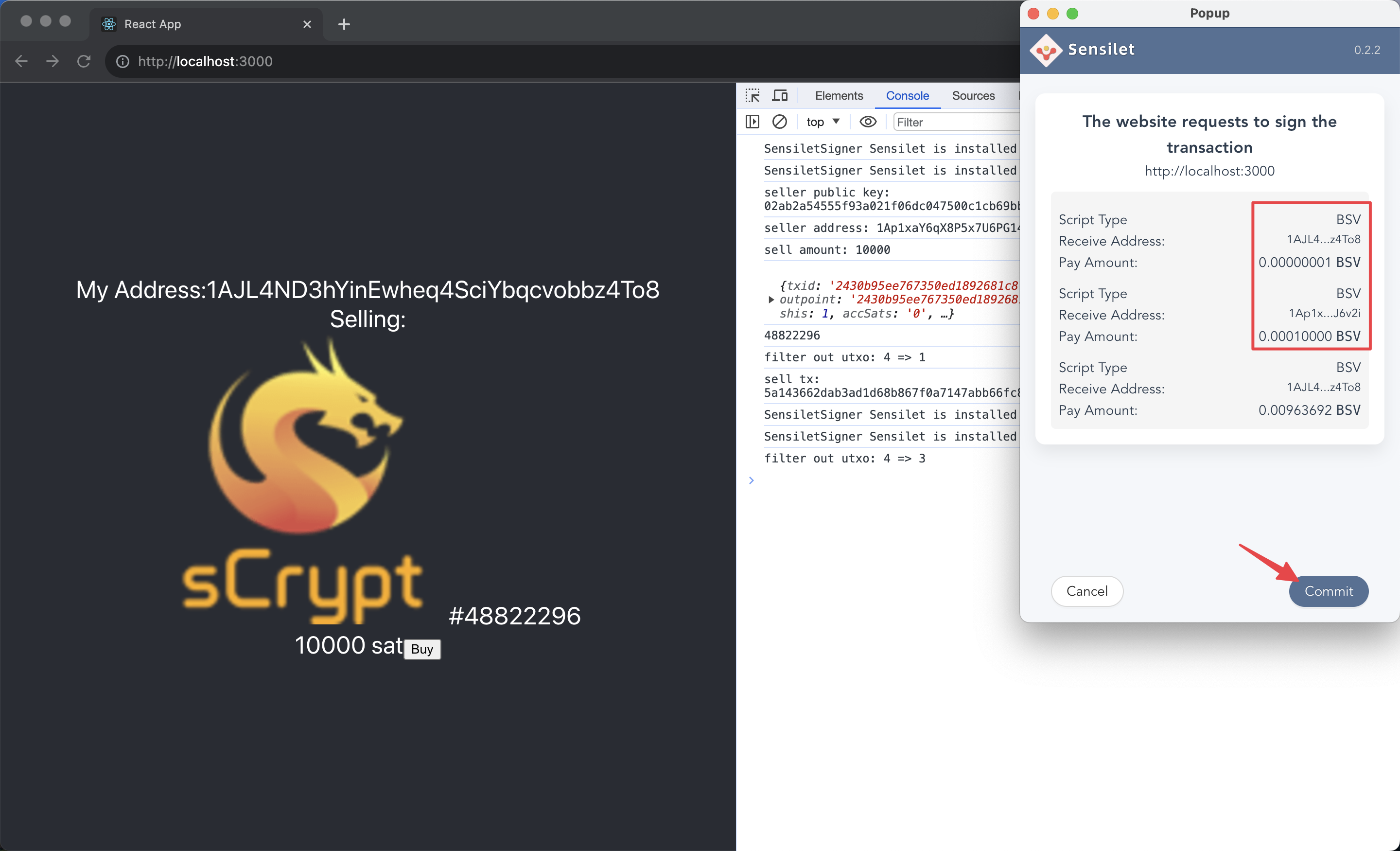
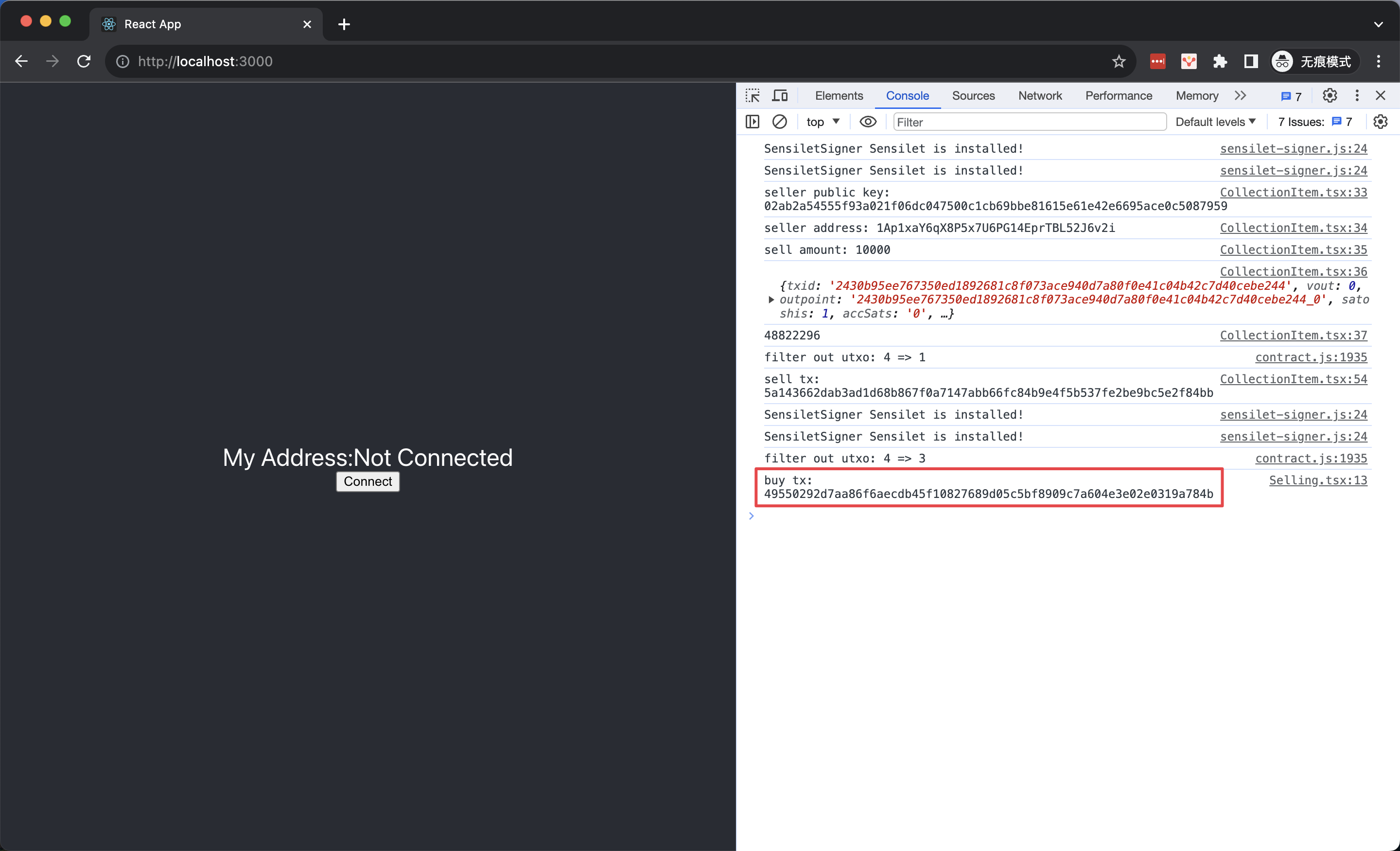
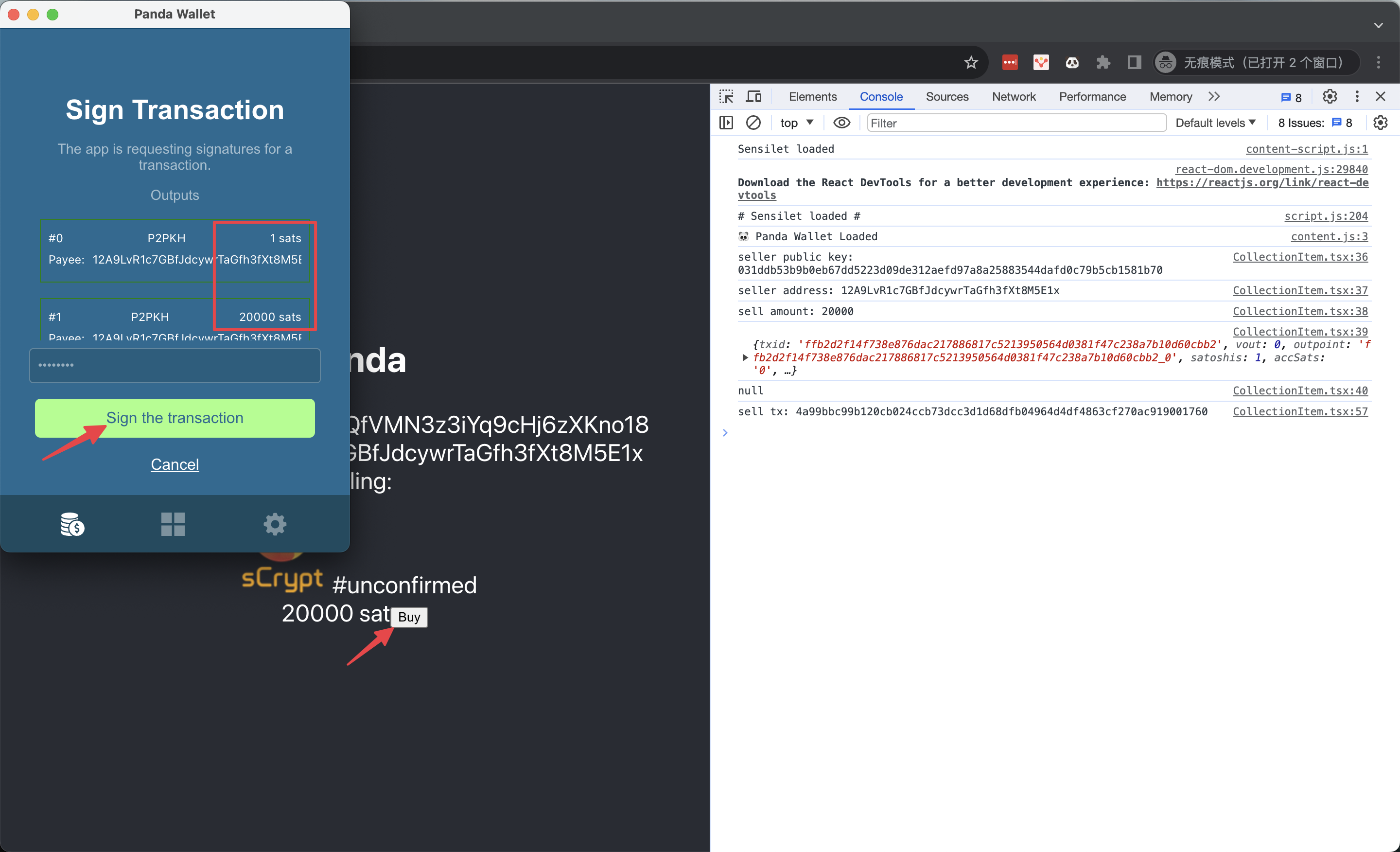
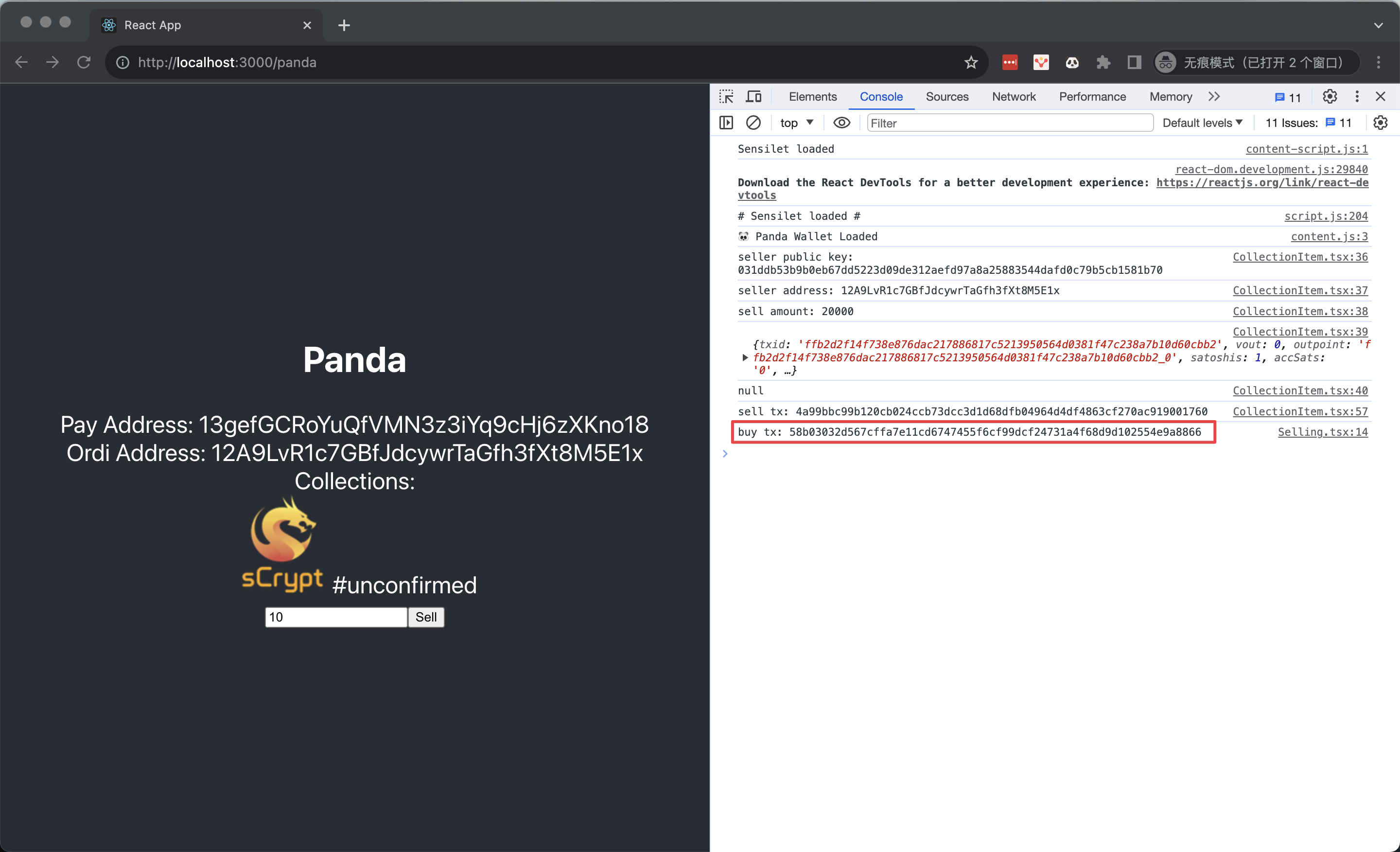
To buy an ordinal that is on sale, we only need to call the contract public method purchase.
async function buy() {
    const signer = new PandaSigner(new OrdiProvider())
    const address = await signer.getDefaultAddress()
    const { tx } = await instance.methods.purchase(Addr(address.toByteString()))
}

Use Yours Wallet
In March 2024, Panda Wallet was rebranded to Yours Wallet.
Yours Wallet is an open-source and non-custodial web3 wallet for BSV and 1Sat Ordinals. This wallet allows users to have full control over their funds, providing security and independence in managing their assets.
To support Yours Wallet in the dApp, we simply replace all the PandaSigner with PandaSigner, that's all.
import { PandaSigner } from "scrypt-ts/dist/bsv/signers/panda-signer"
Different from other signers, we can get two addresses from PandaSigner after the user authorizes the connect action:
getDefaultAddress(), the address for sending and receiving BSV, paying transaction fees, etc. The same as other signers.getOrdAddress(), the address for receiving Ordinals only.
const [connectedPayAddress, setConnectedPayAddress] = useState(undefined)
const [connectedOrdiAddress, setConnectedOrdiAddress] = useState(undefined)
...
async function connect() {
    const signer = new PandaSigner(new OrdiProvider())   // <---- use `PandaSigner`
    const { isAuthenticated, error } = await signer.requestAuth()
    if (!isAuthenticated) {
        throw new Error(`Unauthenticated: ${error}`)
    }
    setConnectedPayAddress(await signer.getDefaultAddress())  // <----
    setConnectedOrdiAddress(await signer.getOrdAddress())     // <----
}
Load Ordinals
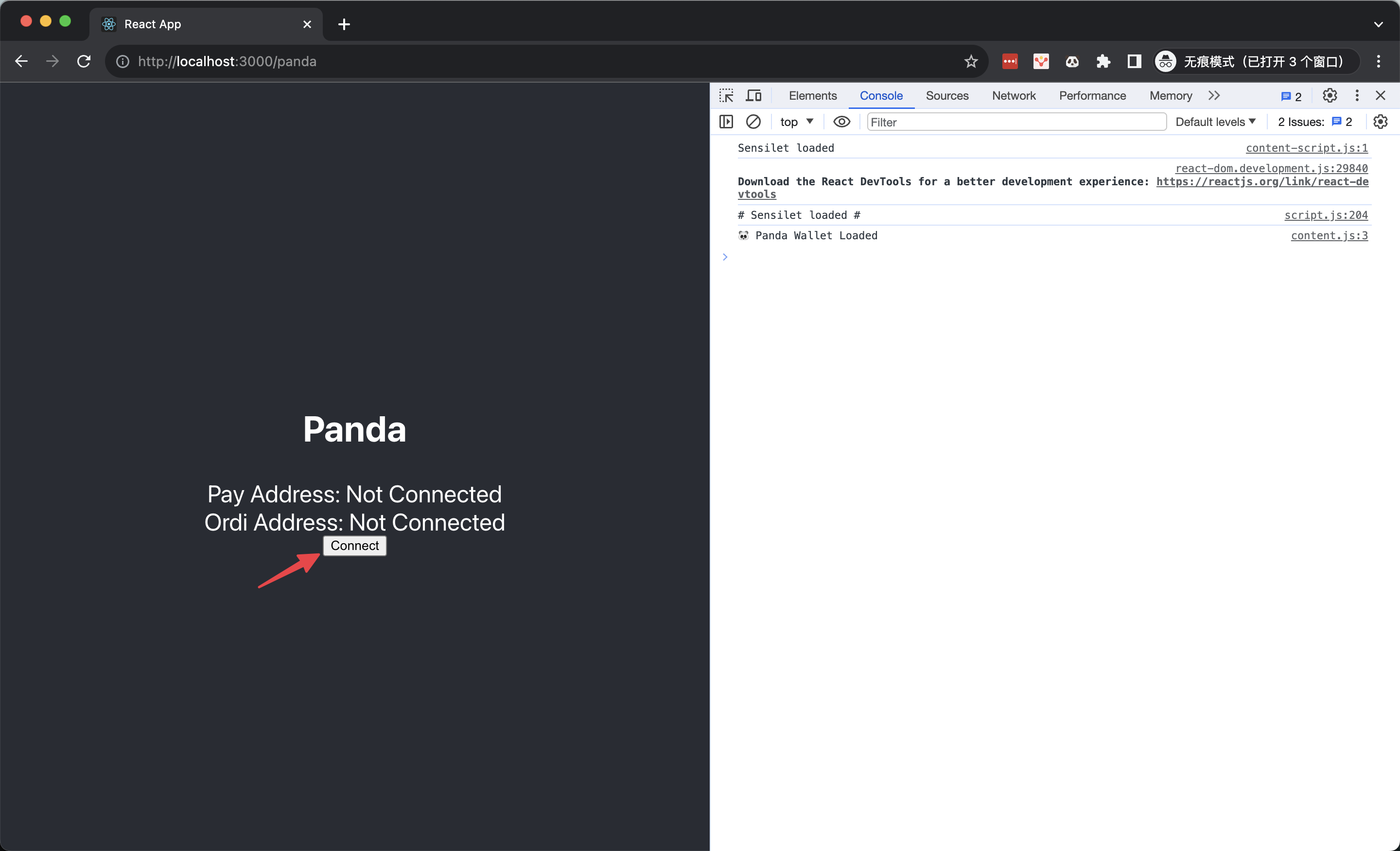
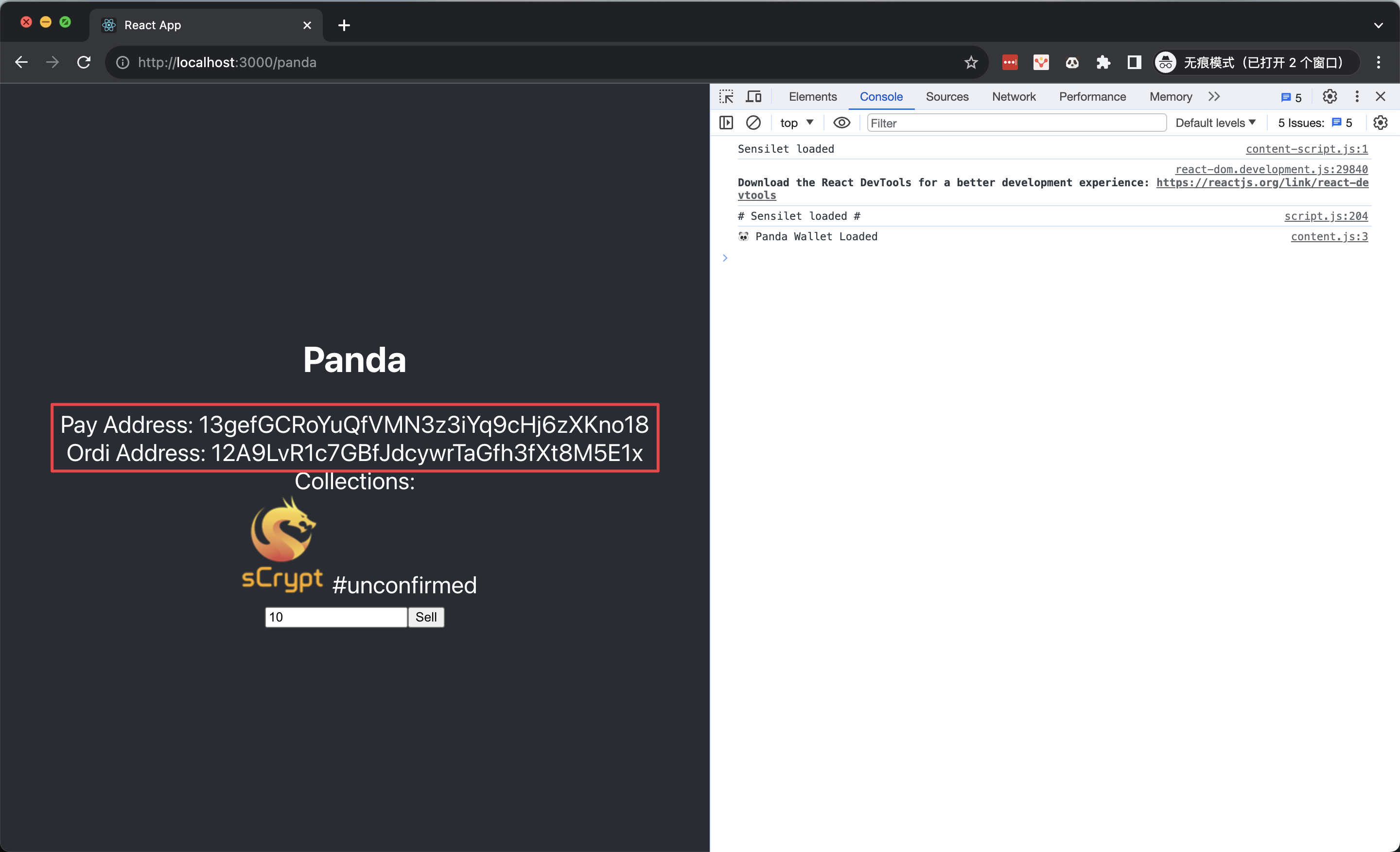
List an Ordinal
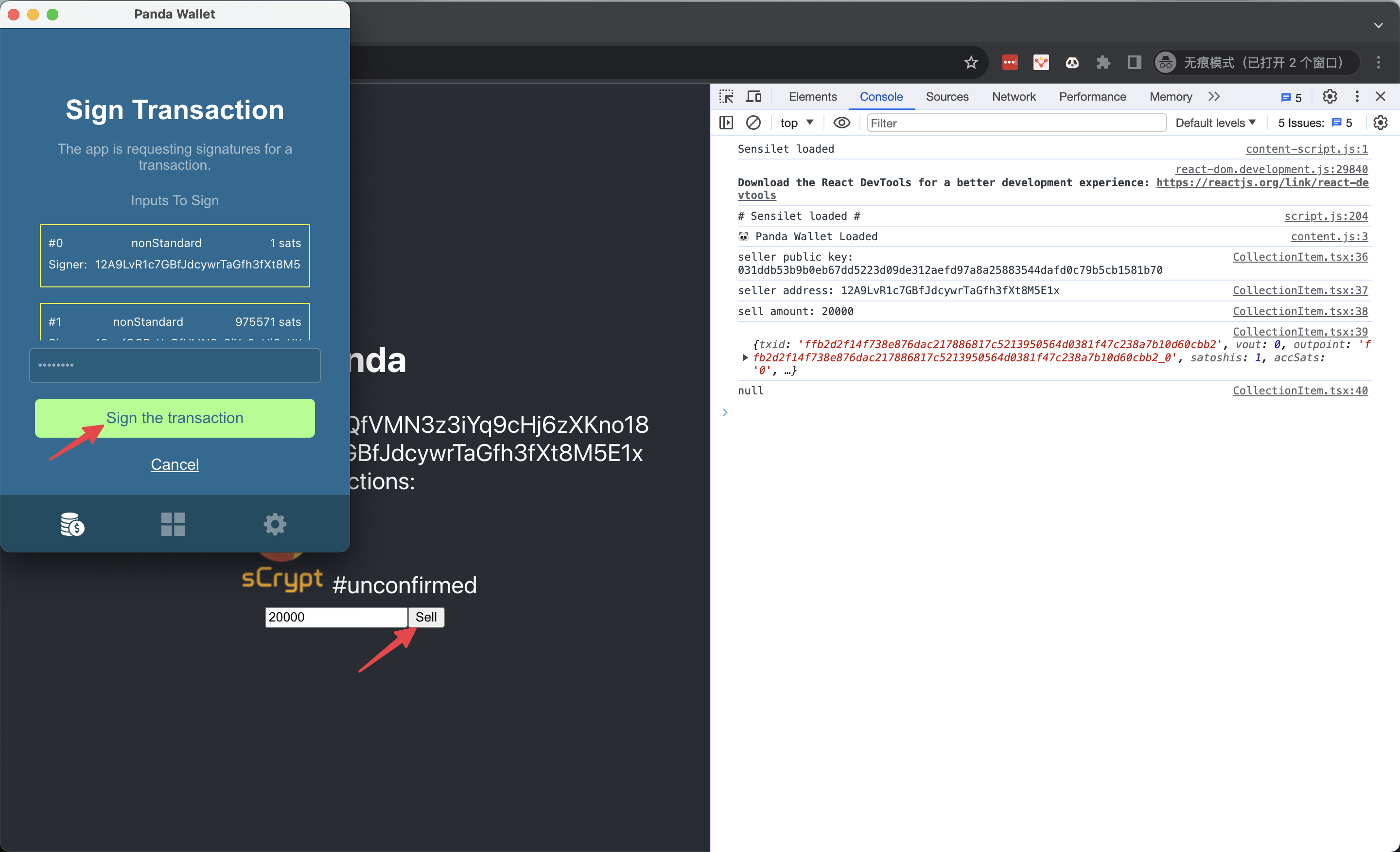
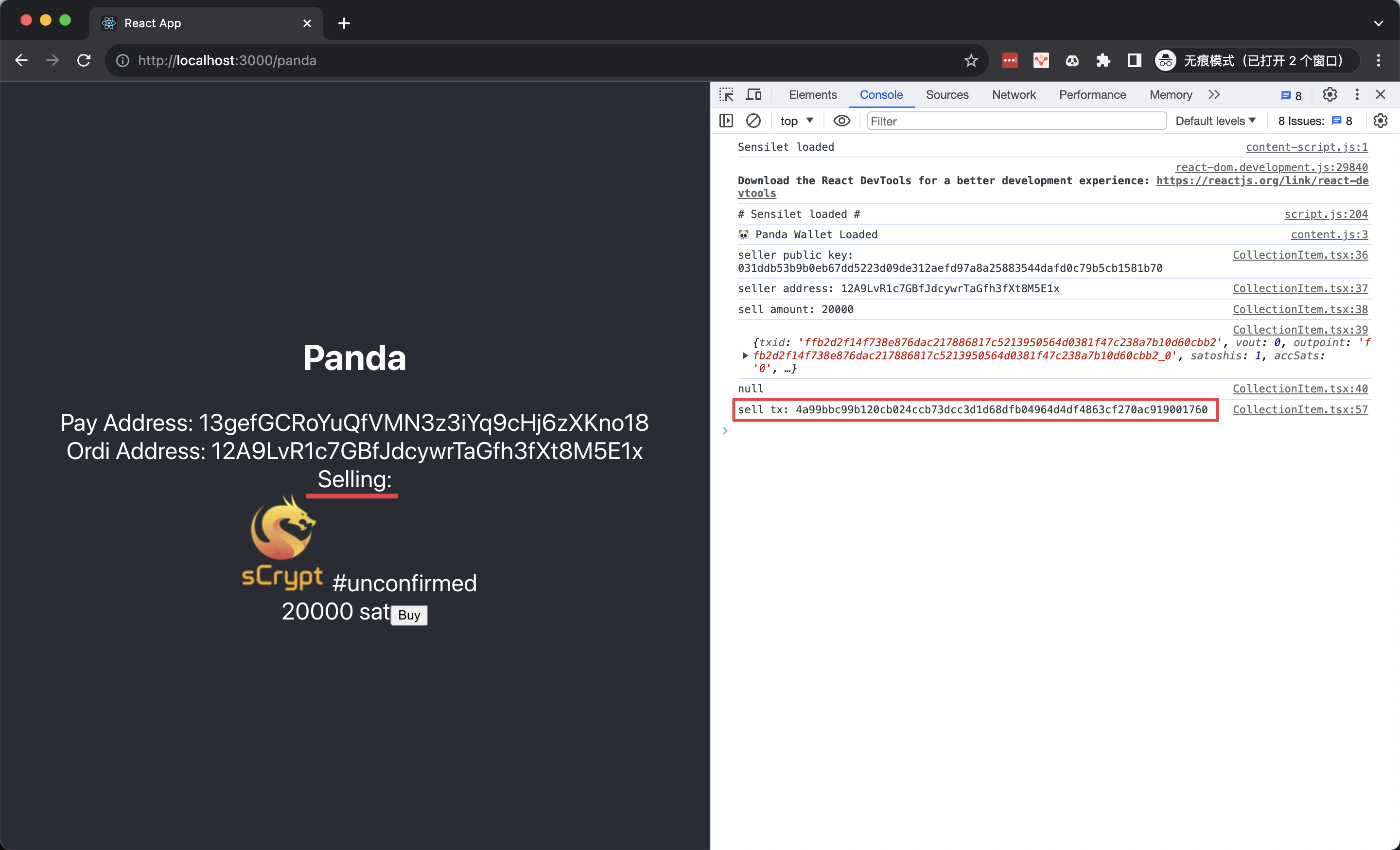
Buy an Ordinal
Conclusion
Congratulations! You have successfully completed a full-stack dApp that can sell 1Sat Ordinals on Bitcoin.
The full example repo can be found here.